
[ SYSAIQ—WORK / ACCOUNTING ]
Business Accounting Suite
Photograph the invoice; the entry is drafted and checked for you.
- Category
- Finance & trading
- Related service
- Accounting systems
- Target industries
- 4 industries
- Languages
- فارسی · English
Overview
An accounting system built around documents instead of data entry. Photos and scans of invoices are uploaded; a master agent routes each one to a specialist AI agent that reads it, picks the account and drafts the double-entry posting, and an independent reviewer agent checks it again. Inconsistencies are flagged as they happen, and the ledger, statements and tax reports stay current instead of waiting for month-end.
PROBLEM
The problem
In most small and mid-sized businesses, bookkeeping means typing paper invoices into software one field at a time, usually days after the transaction. A mistake made at the keyboard stays hidden until someone reconciles.
- Duplicate invoices and wrong account codes are found at audit time, if at all.
- Bank statements are matched to entries by hand.
- Month-end is a rush to produce statements that are already out of date.
- Groups with several companies consolidate in spreadsheets.
SOLUTION
The solution
SysaiQ built the system as a set of cooperating AI agents on top of a conventional double-entry ledger. The ledger remains the source of truth; the agents only prepare and check what goes into it.
- A master agent classifies each uploaded document (purchase, sale, bank, expense) and hands it to the agent for that type, which extracts the date, amount, counterparty and description and drafts the posting.
- An independent reviewer agent compares every posting with the source image and the ledger, and flags duplicates, misclassifications and unusual amounts with a plain-language reason.
- Bank statement lines are matched to entries with suggested pairs and a confidence score, and accepted with one click.
- The balance sheet, P&L, ledgers, payroll and tax reports are generated from the same ledger, and group statements are consolidated with intercompany eliminations.
OUTCOME
The outcome
Bookkeeping now starts from the document instead of the keyboard. Entries are drafted as invoices arrive, each one is checked twice, and errors that would normally wait for an audit are raised while the transaction is still fresh. Statements and tax reports are ready whenever they are needed, and the accountant's time moves from typing to reviewing.
What makes it different
Capabilities you won't usually find in similar products
From photo to posted entry
Photograph or scan a paper invoice; the date, amount, counterparty and description are read, the account is chosen and the entry is drafted without manual typing.
Master agent, one specialist per entry
A master agent routes each document to the specialist for its type (purchase, sale, bank, expense), and an independent reviewer agent re-checks every posting.
Continuous error detection
Duplicates, misclassifications and abnormal amounts that usually wait for an audit are flagged as they appear, each with a plain-language explanation.
Reports that are always current
Balance sheet, P&L, ledgers and tax reports are generated from the live ledger, ready to print whenever they are needed rather than rebuilt at month-end.
Group consolidation
Holdings and multi-entity groups get consolidated statements with intercompany transactions eliminated automatically.
Ask your ledger
Ask a question such as why logistics costs rose this month and get an answer grounded in your own ledger, with links to the source documents.
Pages and screens
- [ 01 ]Document InboxDrop in photos and scans of invoices and watch the agents read, classify and post them live.
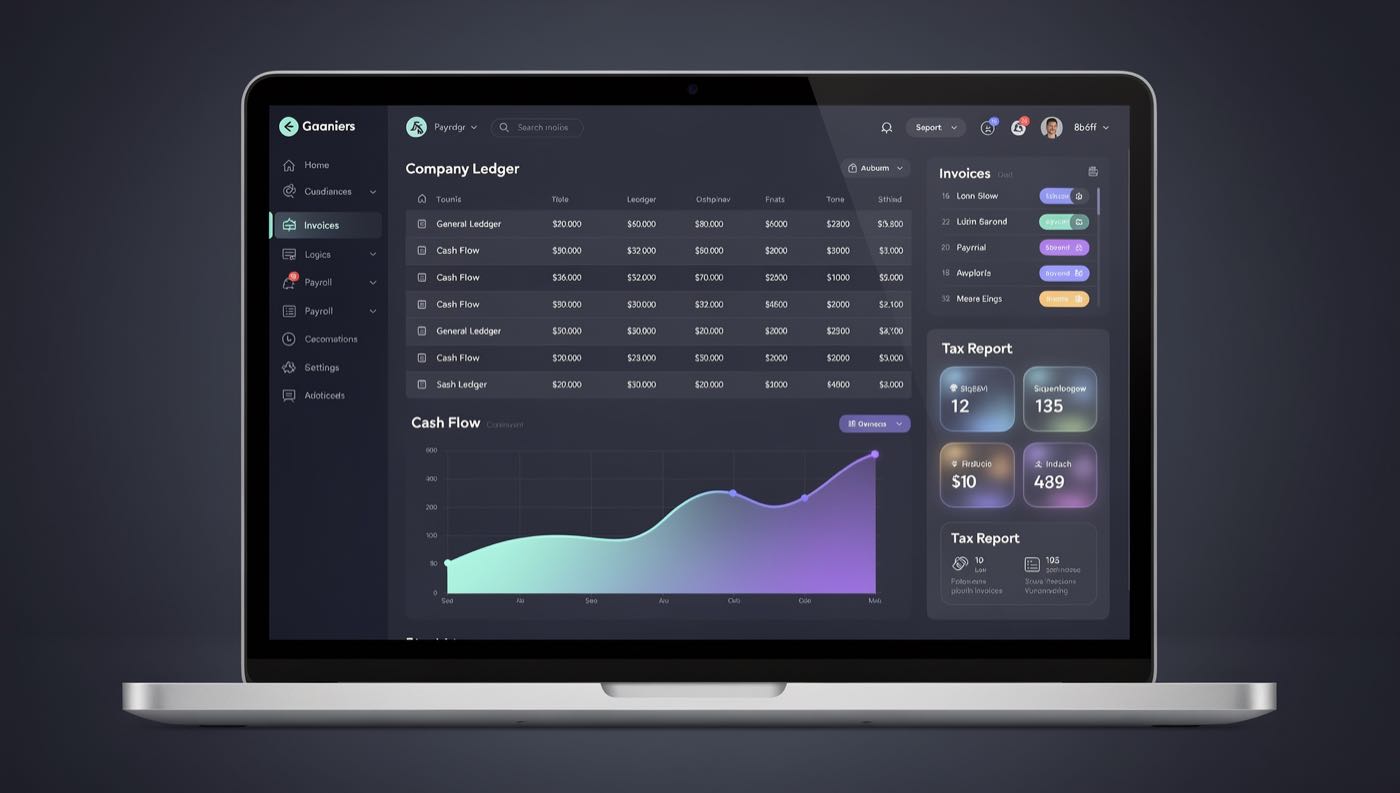
- [ 02 ]Financial DashboardCash position, P&L, receivables aging and open AI alerts in a single view.
- [ 03 ]General Ledger and JournalsA double-entry workspace with inline anomaly flags and drill-down to source documents.
- [ 04 ]Invoicing and ReceivablesIssue and send invoices, track collection status and trigger automatic payment reminders.
- [ 05 ]Bank ReconciliationStatement lines beside ledger entries, with suggested pairs, confidence scores and one-click acceptance.
- [ 06 ]Payroll and Tax CenterRun payroll and prepare VAT and filing-ready tax reports from the same ledger data.
Gallery
Select an image to enlarge it.
-
Company ledger, cash flow, invoices and tax report panels (English UI) 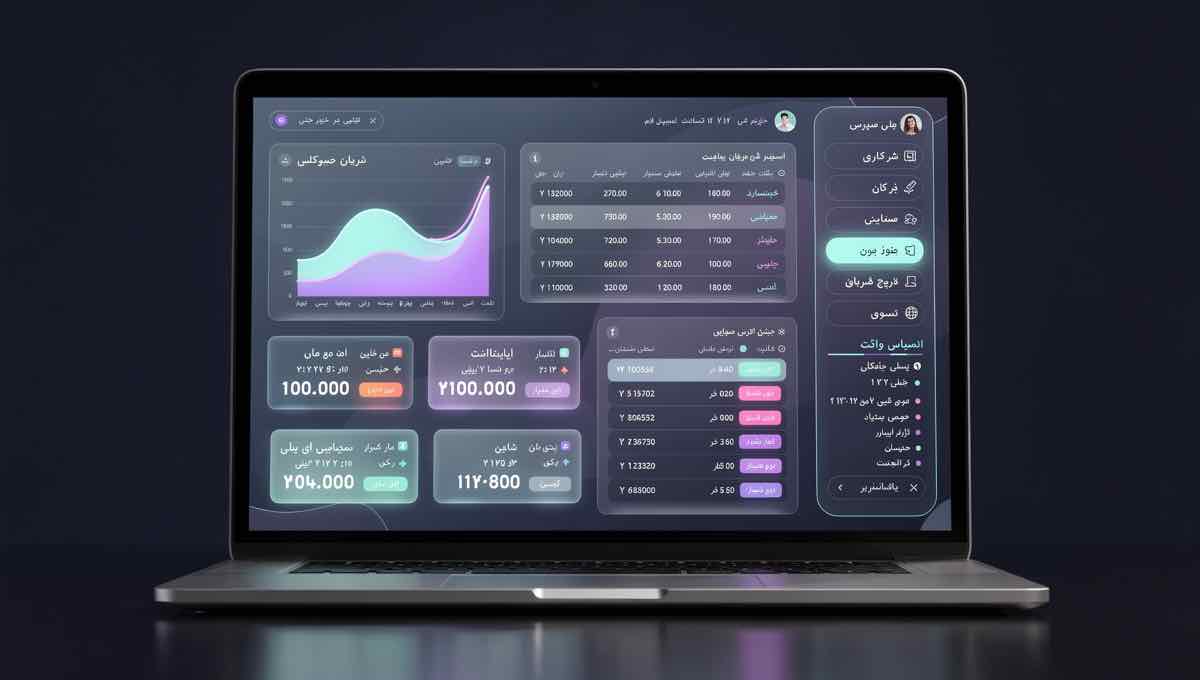
The same workspace in the Persian UI
Technical approach
- Node.js / Express API over a double-entry ledger: every posting must balance, links back to its source document and is kept in an append-only history.
- SQLite schema for accounts, journals, documents, bank lines, payroll and entities; statements, receivables aging and consolidation are SQL views over the same ledger.
- OpenAI API behind the document agents: the master agent routes each document, specialist agents extract fields into a fixed schema and a separate reviewer agent validates the result. Agents propose postings; the ledger's own rules decide what is accepted.
- Ask-your-ledger questions are answered from read-only queries over the business's own data, with links back to the source documents.
- Vanilla JavaScript front end: document inbox, ledger, reconciliation and reports in one application.
Target industries
Related service
Related projects

Want something like this?
Write a few lines about your business and the problem you want solved; you receive a written proposal before any commitment.